
Download an Entire website for offline use

Naser Sobhan
AI & Strategy Consultant
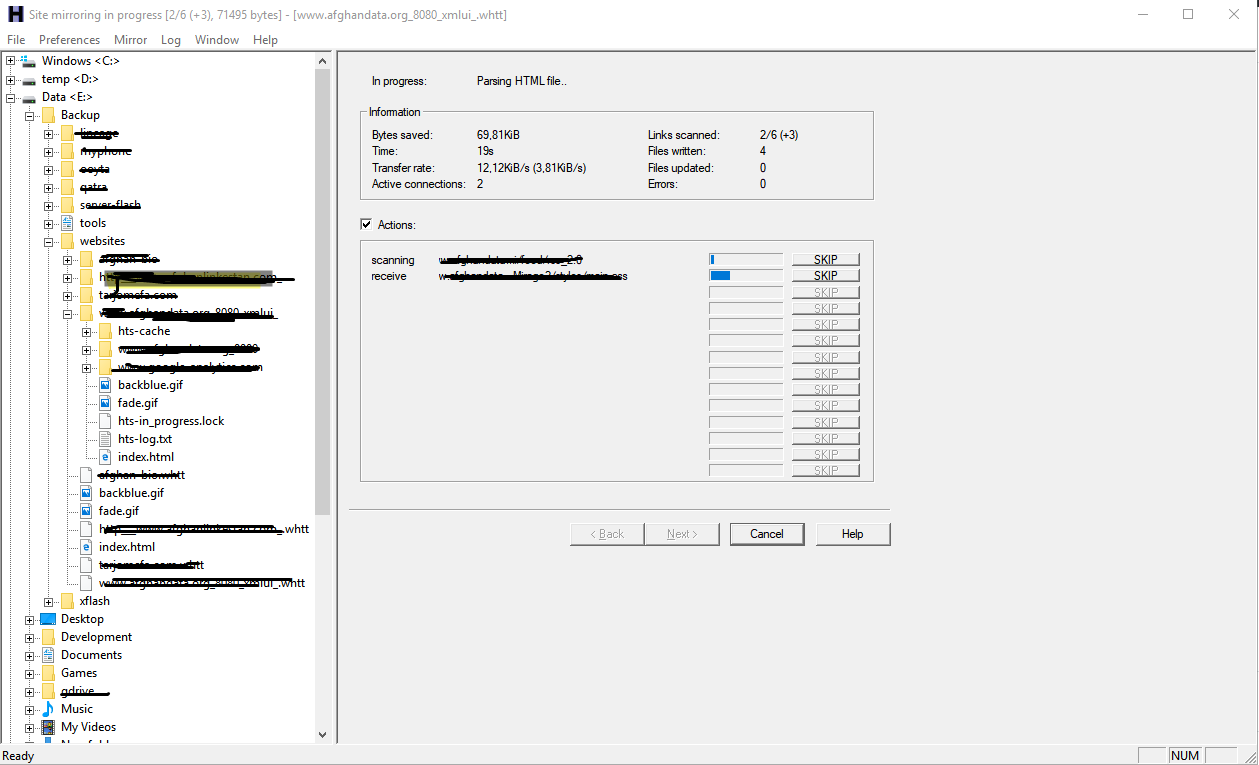
it’s very easy with a tool called HTTrack which have version for #Linux and #Windows.
it’s lovely when it creates all the link for you and convert all the pages as you need even download all mini images from #css to make it prefect.
Install HTTrack and download a website in Ubuntu
sudo apt-get install httrackhttrack "https://www.website.com/" -O "/path/to/download/website.com" "+*.www.website.com/*" -vInstall in windows
just download it from below link and start downloading websites:
https://download.httrack.com/cserv.php3?File=httrack_x64.exe
https://www.httrack.com/page/2/en/index.html

Written by
Naser Sobhan
A technology veteran with 18+ years building scalable systems for global enterprises. Now based in Rochester, MN, helping local businesses adopt AI safely and profitably.
How this is written: I'm a builder first, not a professional writer — my strength is the technical work, not turning it into prose. The ideas, opinions, and experience here are entirely mine, shaped by years actually doing this. I use AI to help organize my notes, tighten the language, and turn what's in my head into something worth reading.
Keep reading
All insights →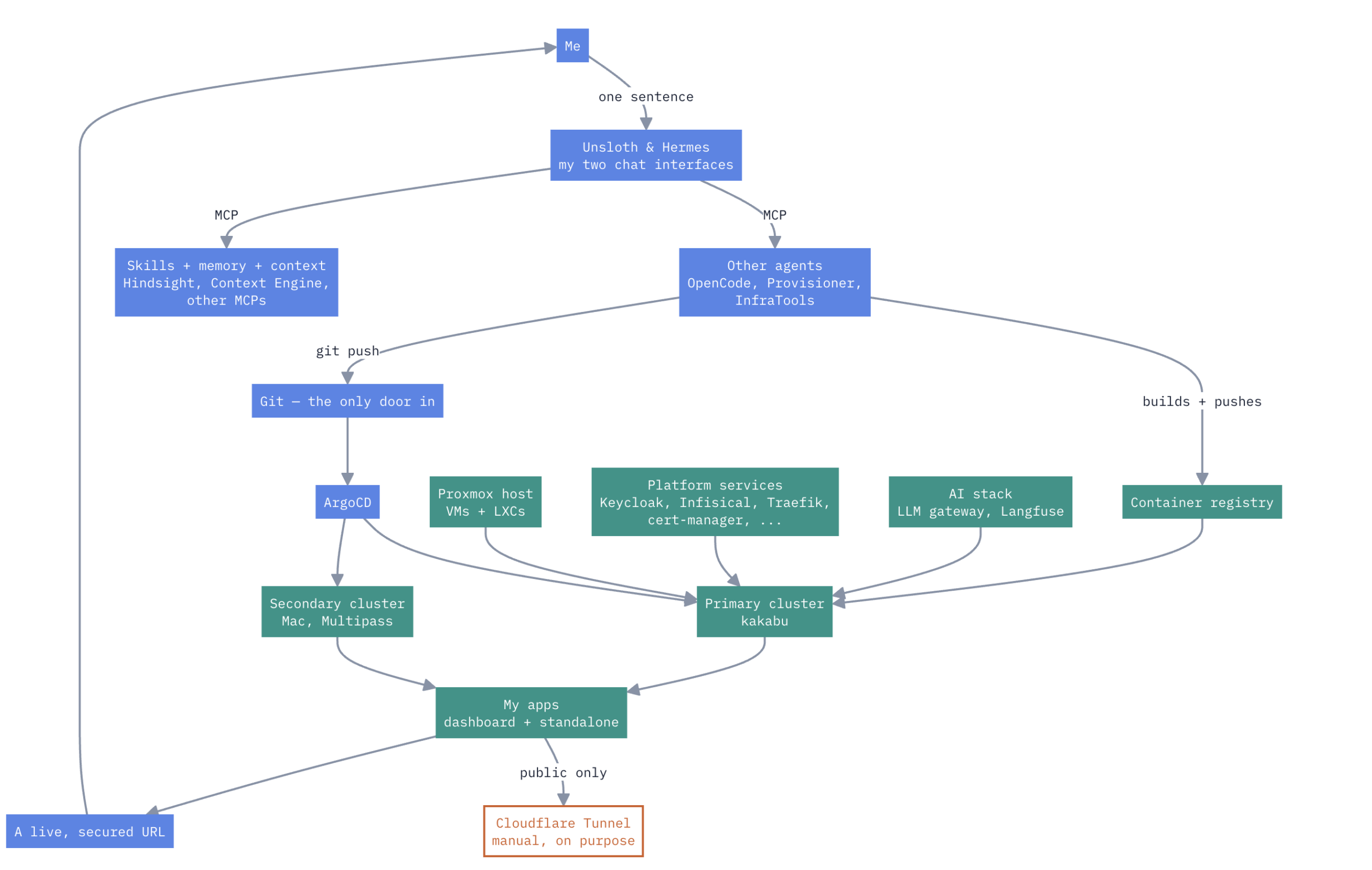
A HomeLab that have Enterprise Level AIOps
one Proxmox box, a Mac, two k3s clusters, no cloud rent Here’s how it actually works. Not a diagram I drew for a pitch deck — the real thing, warts and...

How to Design and Implement Software Architecture Patterns: 5 Best Practices
Designing and implementing software architecture patterns is a crucial aspect of software development. It is the foundation upon which the software is built,...

Unveiling the Top Traits of a Successful Software Engineer – What it takes to Excel in the Competitive World of Tech
In summary, a skilled software engineer should possess various technical abilities, a solid problem-solving aptitude, the ability to communicate effectively,...