
MySQL Backup and Restore – Command Line

Naser Sobhan
AI & Strategy Consultant
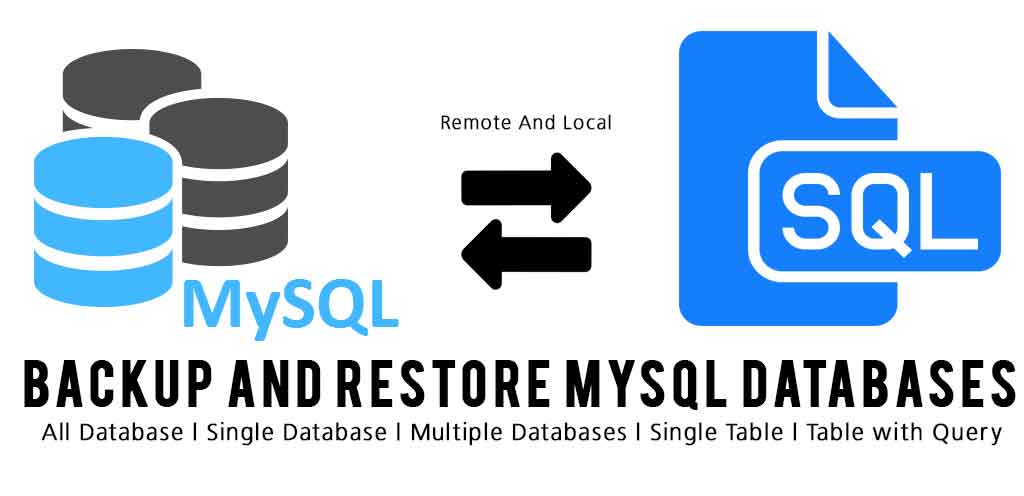
MySQL is everywhere and I love it, and PHPMyadmin Made it super simple for web developers and Website Administrators but Backup and Restore is not that well and I myself had issue with PHPMyAdmin backup and restore specially with database more than 50mb. so i needed to know the best ways with MySQL itself and command line was the best although backup proccess with a simple shell script make it super simple for backup but what if don’t want to use a shell or it’s in another sever and you can do it and for other reasons.
command line is awesome and super simple but looks scary so now I collected around all possible command you might need for backup and restore a or multiple databases in MySQL:
so let’s start
MySQL backup All Database (Dump)
mysqldump -u Powered-User-Name -pYourPassword --all-databases > all-databases-backup.sqlMySQL Not All but multiple Databases
mysqldump -u root -pYourPassword --databases database1 database2 > database1-database2-backup.sqlMySQL Backup Single Database
mysqldump -u username -ppassword database > whole_database_backup.sqlMySQL backup Single Table from a Database
mysqldump -u username -ppassword database_name table_name > single_table_dump.sql
Specific Rows from a Table using Where
mysqldump -u username -ppassword database_name table_name --where="date_created='2013-06-25'" > few_rows_dump.sqlMySQL Backup Remote server
its exactly like the way you use in local just add a new attribute and value you should use -h
attribute and space and the IP or Hostname of the remote server.
mysqldump -h remoteiporhostname-u username -ppassword database_name table_name --where="date_created='2013-06-25'" > few_rows_dump.sqlMySQL Restore
mysql -u username –-password=your_password database_name < file.sql MySQL Restore with mysqlimport
mysqlimport -u root -pYourPassword database_name < file.sqlMySQL Restore with Source command in MySQL
just login to MySQL use the database you want and use the source command and the address of the sql file, it just run the sql command that contains the sql file, it can be the whole database restore or single row up or delete command.
use below command to login to database
mysql -u username -pYourpassword -hHostnameORip
mysql> use databasename
mysql> source D:\backup\backup.sqlWritten by
Naser Sobhan
A technology veteran with 18+ years building scalable systems for global enterprises. Now based in Rochester, MN, helping local businesses adopt AI safely and profitably.
How this is written: I'm a builder first, not a professional writer — my strength is the technical work, not turning it into prose. The ideas, opinions, and experience here are entirely mine, shaped by years actually doing this. I use AI to help organize my notes, tighten the language, and turn what's in my head into something worth reading.
Keep reading
All insights →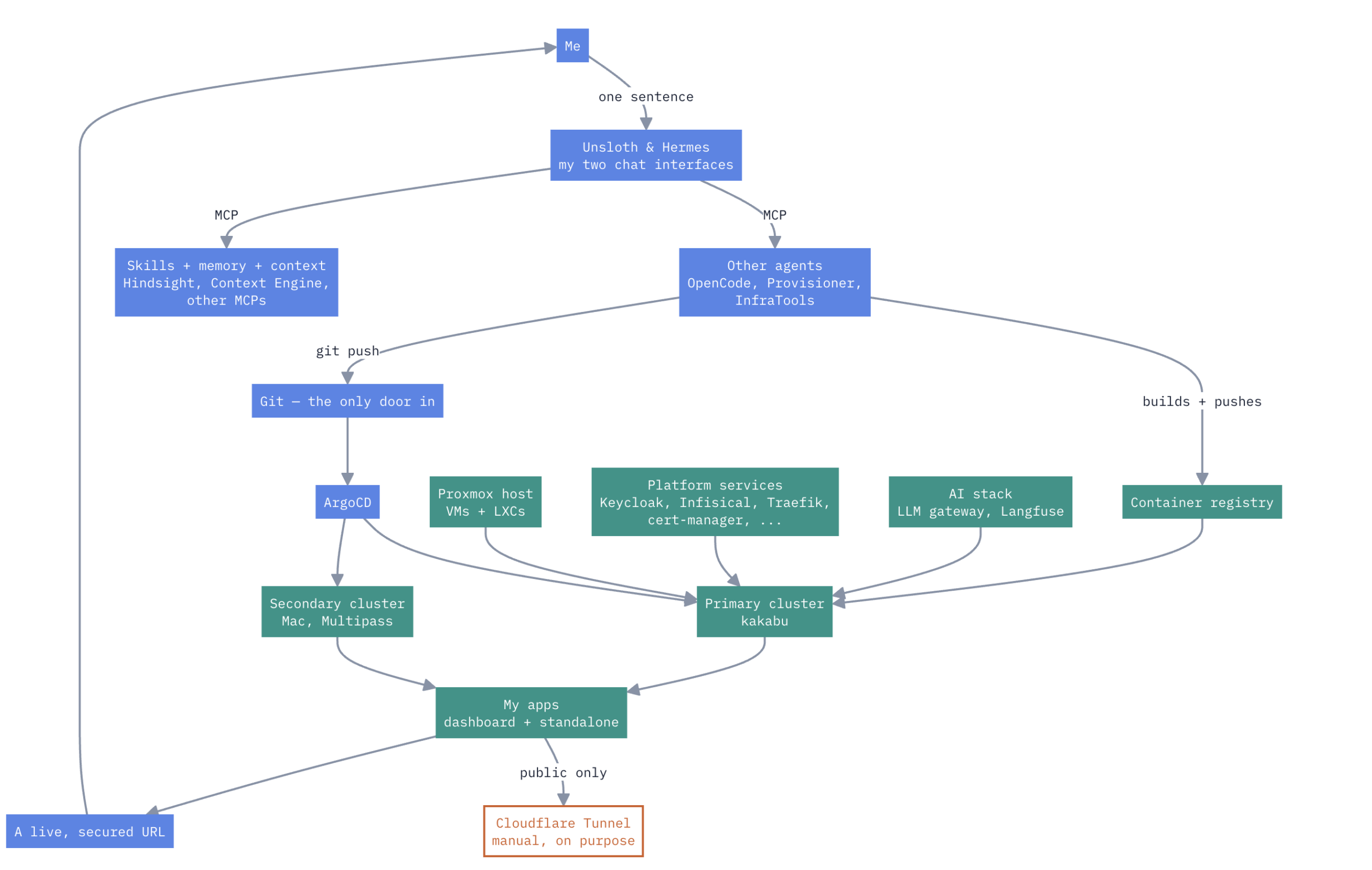
A HomeLab that have Enterprise Level AIOps
one Proxmox box, a Mac, two k3s clusters, no cloud rent Here’s how it actually works. Not a diagram I drew for a pitch deck — the real thing, warts and...

How to Design and Implement Software Architecture Patterns: 5 Best Practices
Designing and implementing software architecture patterns is a crucial aspect of software development. It is the foundation upon which the software is built,...

Unveiling the Top Traits of a Successful Software Engineer – What it takes to Excel in the Competitive World of Tech
In summary, a skilled software engineer should possess various technical abilities, a solid problem-solving aptitude, the ability to communicate effectively,...